Indonesia · Malaysia · Singapore
Keep the business running.
Orders, stock, invoicing and payroll — in one app that works offline.
Free forever · no account needed
14 days · in your browser, no installer
Two different products. The desktop app installs and runs on one computer. The cloud tier adds sync, web and mobile access for your team.
Pick your starting point
The desktop app and the cloud tier have different first steps, different prices and different requirements. Choose the one that matches how you work today — you can add the other later.
FREE FOREVER
One computer, no account, no internet
Install it and start selling. Your books live on that computer. Nothing expires, nothing is metered, and no connection is needed at any point.
- 01 Download the installer Windows, macOS or Linux
- 02 Set up your business Business type decides which modules appear
- 03 Run the shop Orders, stock, invoicing, accounting, payroll
macOS and Linux builds on the download page. No card, no email required.
Your team, every device, one set of books
Sync across computers, web access from anywhere, the mobile companion app, team chat, several businesses, and marketplace, courier and notification integrations.
- 01 Fill in one web form No installer — it opens in your browser
- 02 Verify your email address 14-day trial starts, full access, no card
- 03 Invite your staff 5 seats and 3 businesses included
Already using the desktop app? Connect it to the cloud without re-entering anything.
Difference
Desktop only
One computer · one user · one business · your file, your backups · no web, no phone, no chat
Cloud
Every device · 5 seats · 3 businesses · nightly backups we keep · web, mobile, chat, integrations
Set up as the business you actually are.
You pick a business type when you set up. That choice decides which modules appear, so you are not walking past features you will never use.
Food & beverage
Take orders at the counter or the table, count ingredients as they are used, and close the till at the end of the day.
Retail
Ring up sales, see stock per product and per location, and reorder before a shelf runs empty.
Service
Quote the job, invoice it, and record the payment. No stock to count, so the inventory module stays off.
Mixed
Sell goods and services side by side. Every module is available, with one set of books behind them.
What's included
Eight modules. Which ones you see depends on your business type.
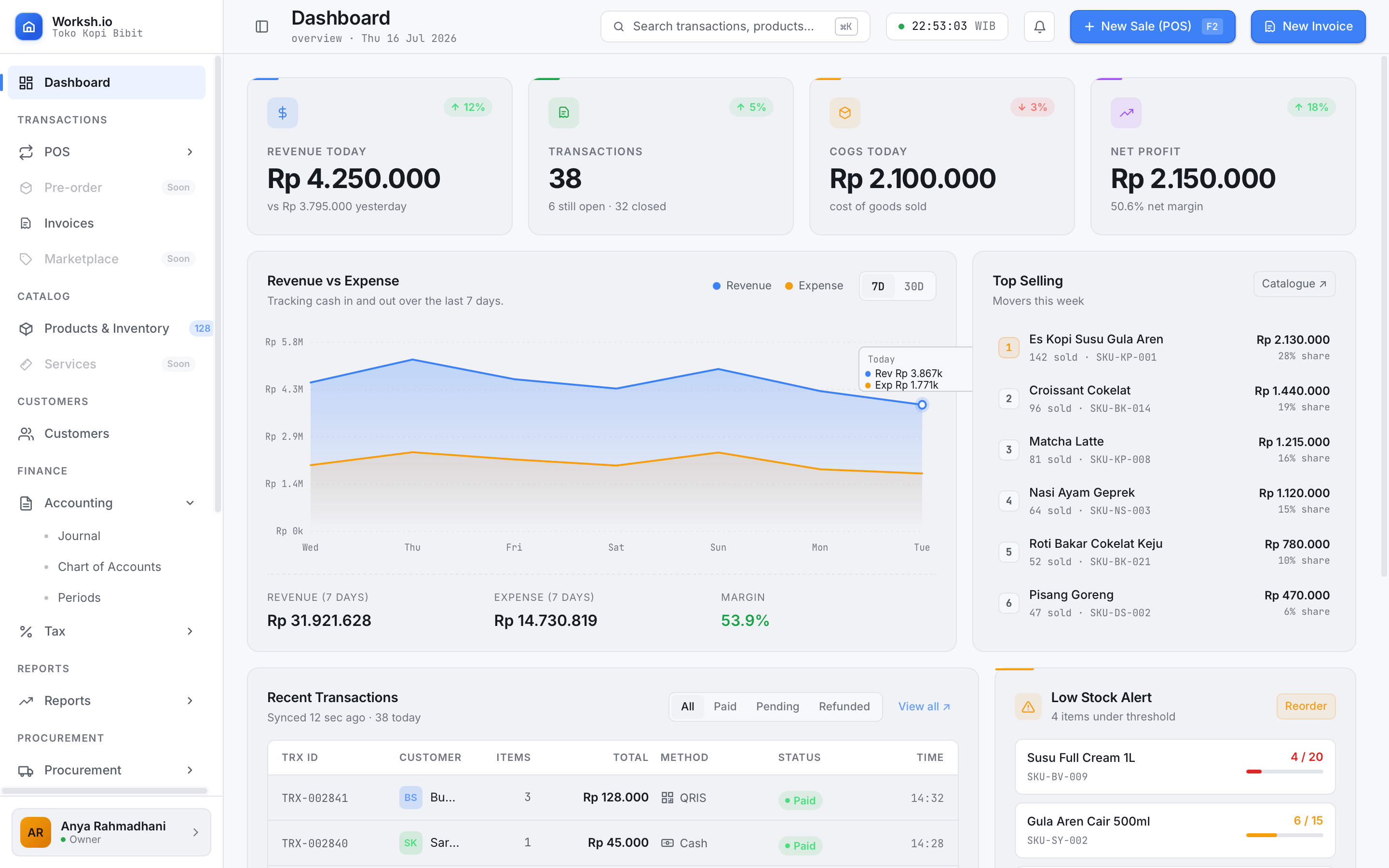
Orders
Take an order at the counter, the table, or over the phone, and see what is still open.
Inventory
Stock counts per product and per location, with a warning before something runs out.
Invoicing
Send an invoice, record what has been paid, and see what is still owed.
Payroll
Wages, allowances and deductions worked out for each staff member each period.
Staff and roles
Give each person the parts of the app they need, and nothing else.
Workflow
Approvals for the things you would rather sign off yourself, like discounts and refunds.
Team chat
Messages about a specific order or shift, kept next to the work they refer to.
Reporting
Sales, stock movement and cash, summarised by day, week or month.
The free desktop tier runs on the device, with no internet at all.
Everything on the free tier is stored on the machine in front of you. Sales carry on during an outage, at a market stall, or in a shop with no connection — because nothing is being sent anywhere in the first place.
Paid plans add sync: the same books on the laptop in the back room, in a browser at home, and at a second location, kept up to date whenever there is a connection.
FREE — DESKTOP
On the device
Full use of the modules your business type needs, on one machine, with no account and no connection.
PAID — DESKTOP AND BROWSER
Synced across devices
The same data on more than one device and more than one location, updated whenever there is a connection.
Free to start.
The desktop app stays free. Everything on the cloud tier is one package — add only the modules you use. Prices exclude PPN 11%, shown separately.
FREE FOREVER
Free on desktop
No account, no card, no expiry date.
- Runs entirely on one machine
- The modules your business type needs
- Your data stays where it is
Cloud, when you need sync
Priced per account, not per person. One package, plus the modules you choose.
- Browser access from anywhere
- Sync across devices and locations
- More than one business on one account
- A full-access trial before you decide
- Paying for a year costs less than paying monthly
14 days. No card is taken now, and none is taken when the trial ends.
See the full price, add-ons and credit packs
Nothing on the free desktop tier expires. The cloud trial runs 14 days with no card taken, and none is taken when it ends.
Questions
Yes. The free desktop app runs entirely on the machine and needs no connection at any point — not to start it, not to use it. The cloud tier uses a connection to sync between devices, and the desktop app keeps working while that connection is down.